Experiments
Small apps the lab makes to try an idea out: six phone apps for the hours around the work, and a browser extension for the review queue. None needs an account.
Labs
Lab builds: free and changing often. The phone apps install from the browser, keep their data on your own device, and sit behind a sign-in while they are lab builds; ask for access from the sign-in page.
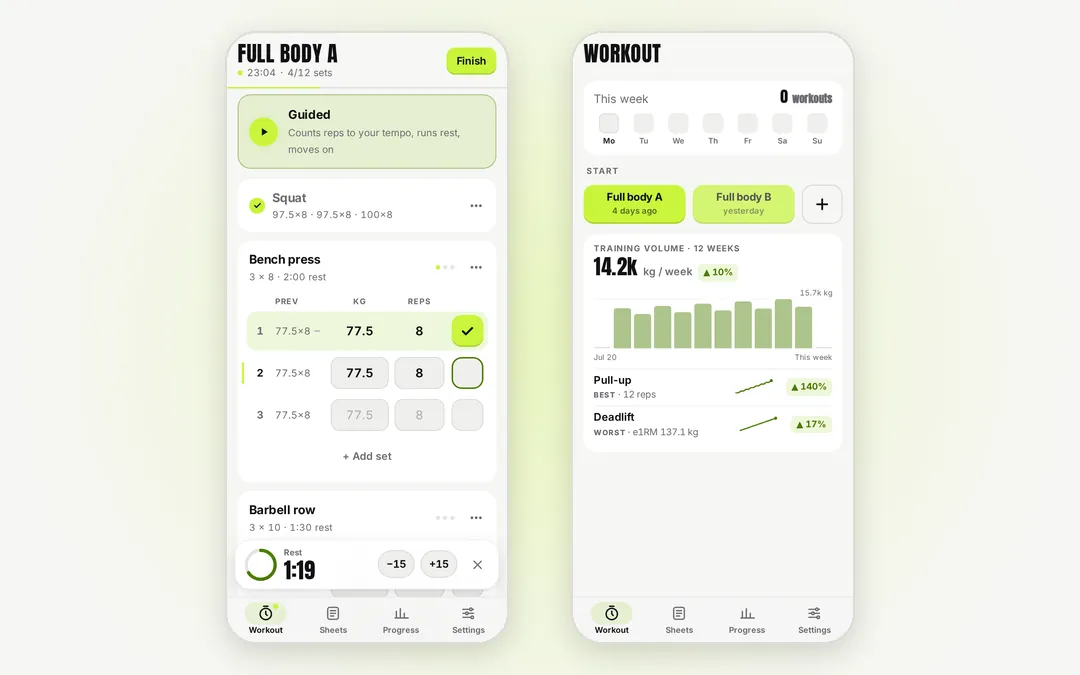
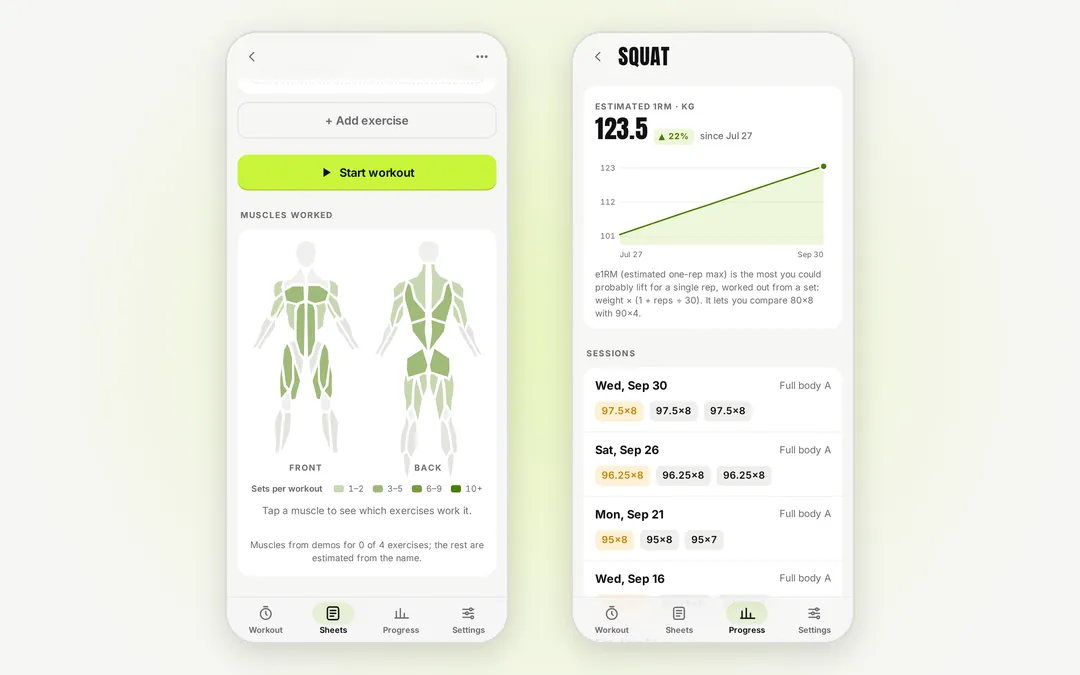
A workout log that runs the rest timer and counts your reps to a tempogymlog
Workout sheets of sets, reps and weight, a rest timer that starts when a set is ticked off, and a guided mode that paces every rep to a tempo, cues the breath, counts aloud and logs the set by itself. Everything stays on the phone, and all of it works with no signal in the gym.
- Last time's numbers on every set, an arrow against them, and a PR tag when a set beats your best
- A body map shading each muscle by the sets a sheet gives it, and stretches picked from what the workout worked
- About 2,800 movement demos searched on the device, so the picker works offline too
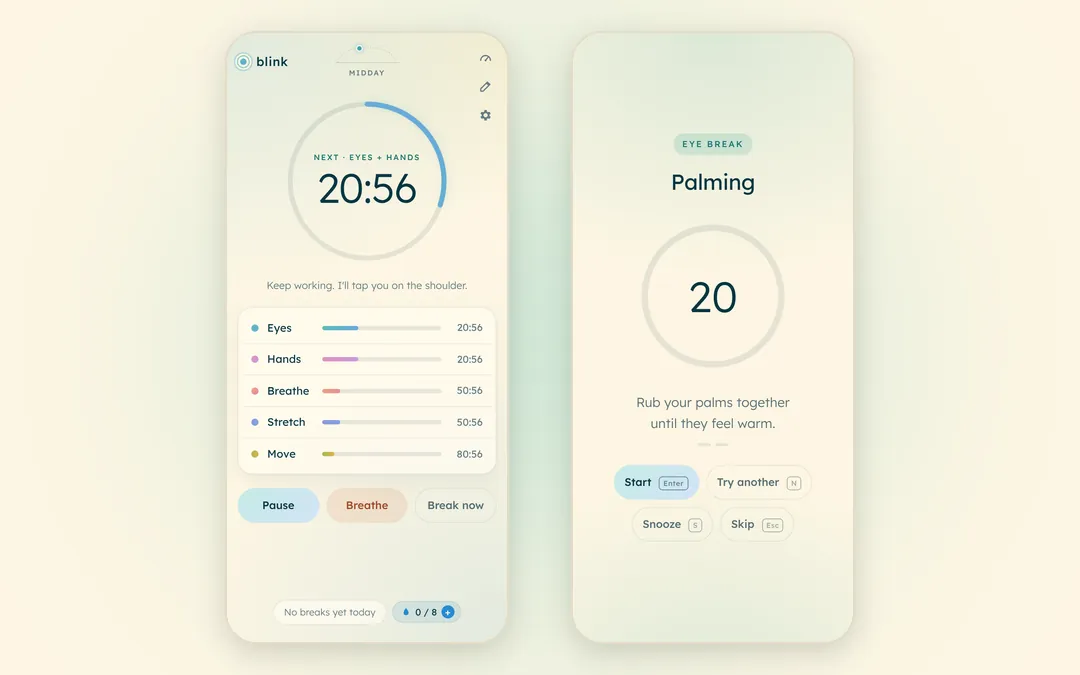
A break coach for a day at the screen, and an early warning before burnoutblink
Eyes, hands, breathing, a stretch and getting up to move, on one clock: a break every thirty minutes from the start of the day, with reminders that fall close together run as one, each a guided routine drawn from 34 exercises. It asks before it starts, so a countdown never runs while you are not looking. At the end of the day, three taps measure how much is left in the tank.
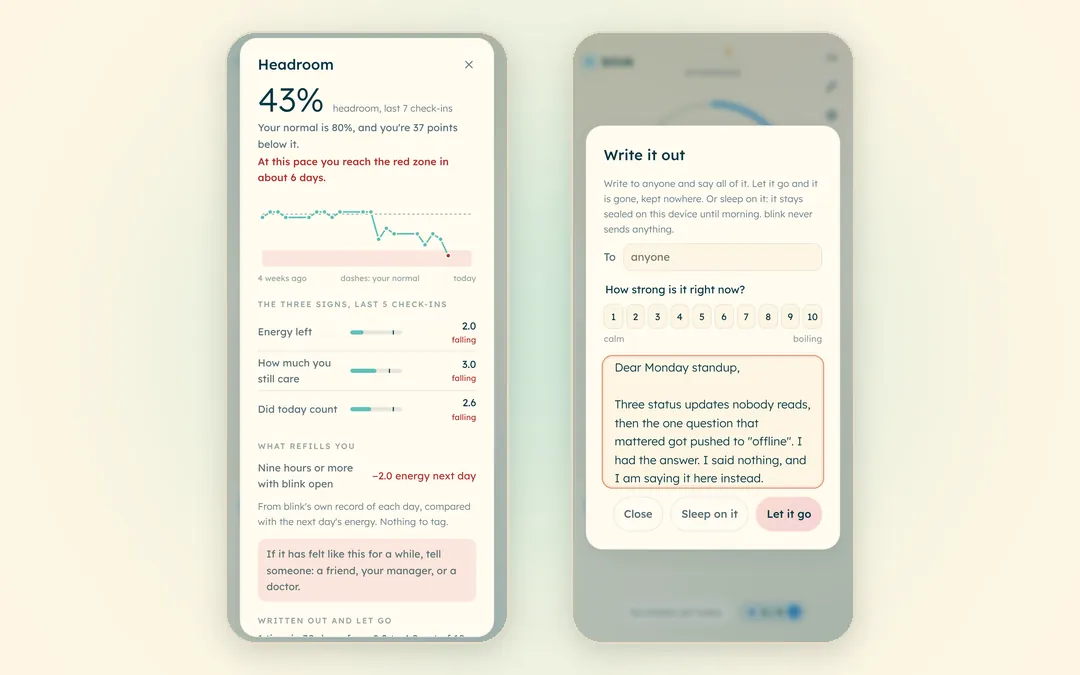
- Headroom: energy, how much you still care and whether the day counted, charted against your own normal, with the days left before the red zone when the trend slopes down
- Write it out, a place to say all of it that keeps nothing, and Sleep on it, which seals a message you might send until the next morning
- No account; a reload, a lunch break or a sleeping laptop picks the day up where it stands, and nothing about your day leaves the device
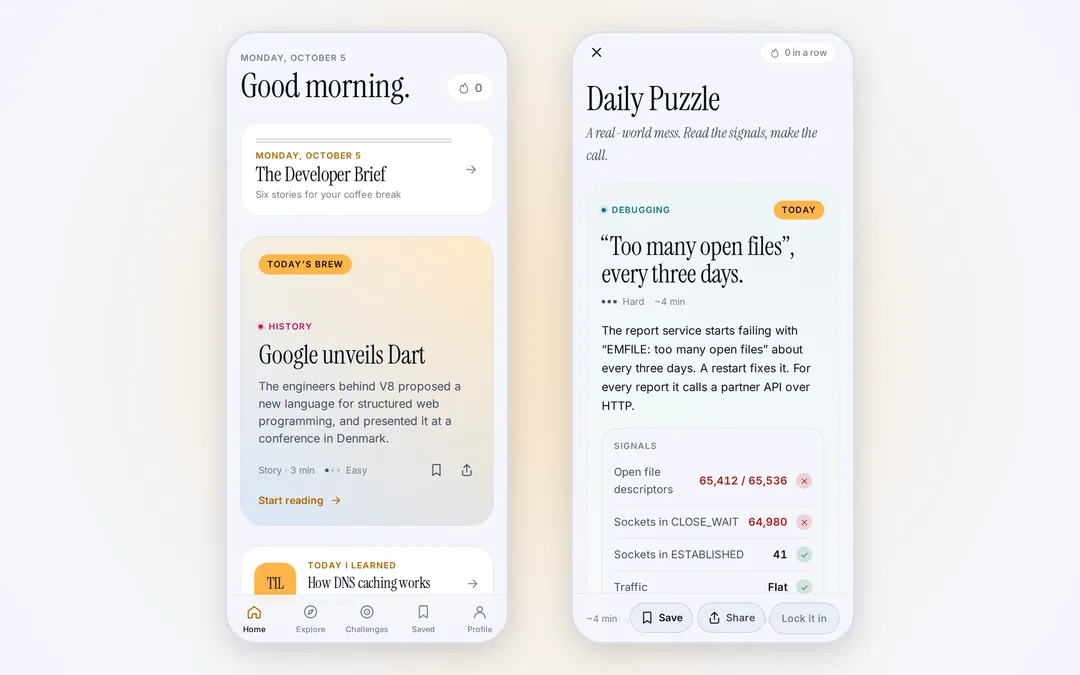
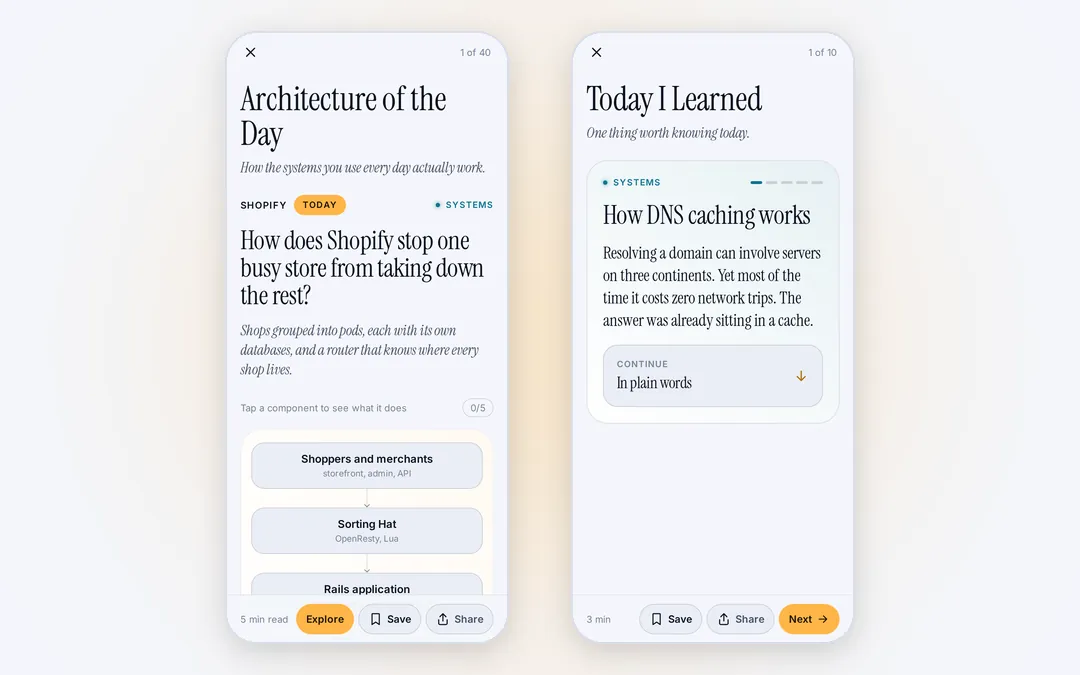
Five minutes of good engineering, with your coffeedevbrew
A daily brief of what moved in software, and short pieces to learn from or play with: the architecture of the day, a technical story, today I learned, on this day in computing, and puzzles that hand you a snippet or an incident and ask what happens. One Expo codebase builds the Android, iOS and web apps.
- Ten formats, from Guess the Output and Code Golf to Spot the Bug, Fix the SQL and Choose the Architecture
- Pieces ingested from engineering feeds, drafted by a model and reviewed before they ship as one static file the apps read
- No account: saved items, history and streaks stay on the device
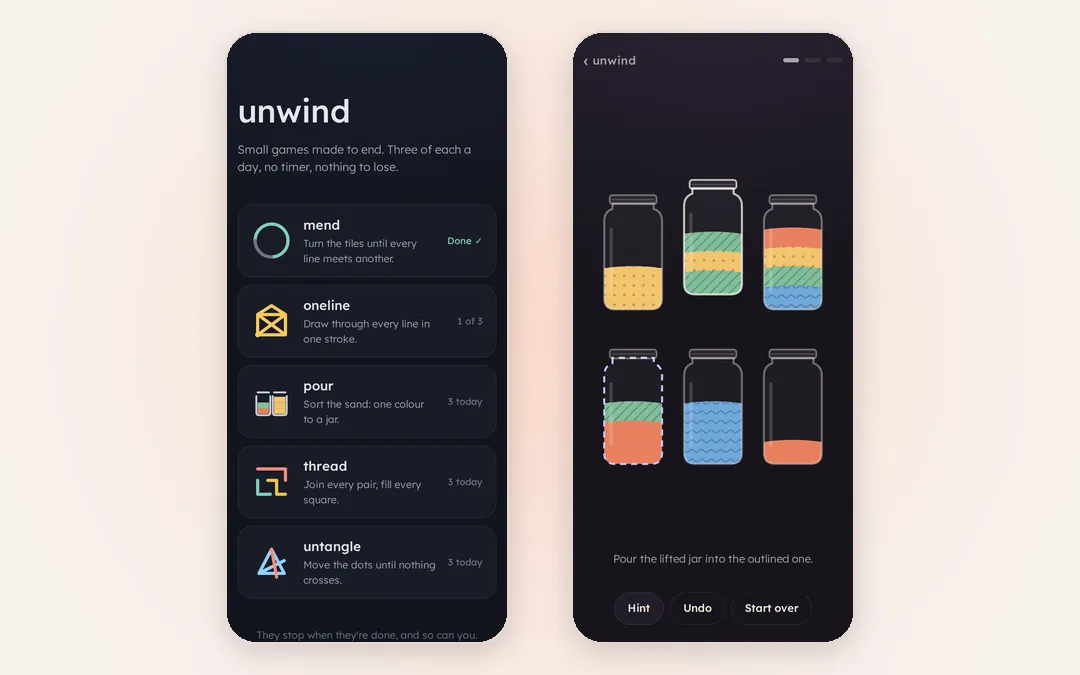
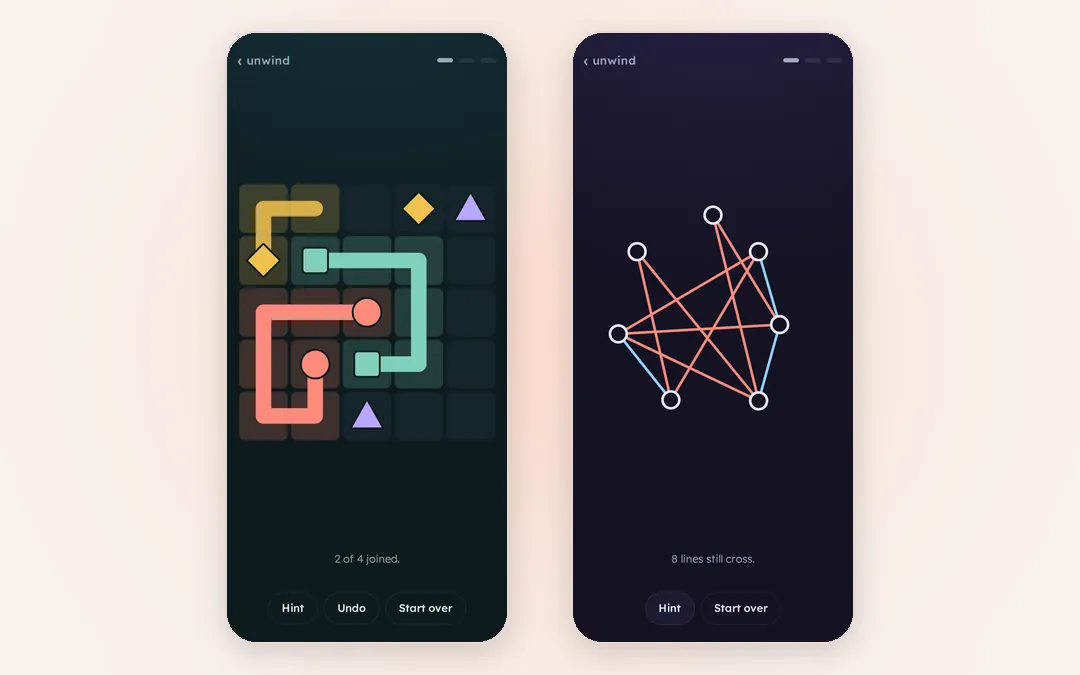
Small puzzles for the evening that stop when the day’s boards are doneunwind
Five small games on one home screen. mend turns tiles until every line meets another, oneline draws a figure in a single stroke, pour sorts layered sand into jars, thread joins coloured pairs through every square, and untangle moves dots until no lines cross. Each deals three boards a day and then says it is done. Every board is made on the device and checked to have an answer before it is shown.
- The day’s boards come from a random seed saved with its progress, so a reload brings them back and the next day brings new ones
- A hint in every game that always reaches the end; in pour it steps back first when a board can no longer be sorted
- No account and no tracking; it installs on a phone and plays offline
An envelope budget: plan the month’s income, then spend what’s leftfondo
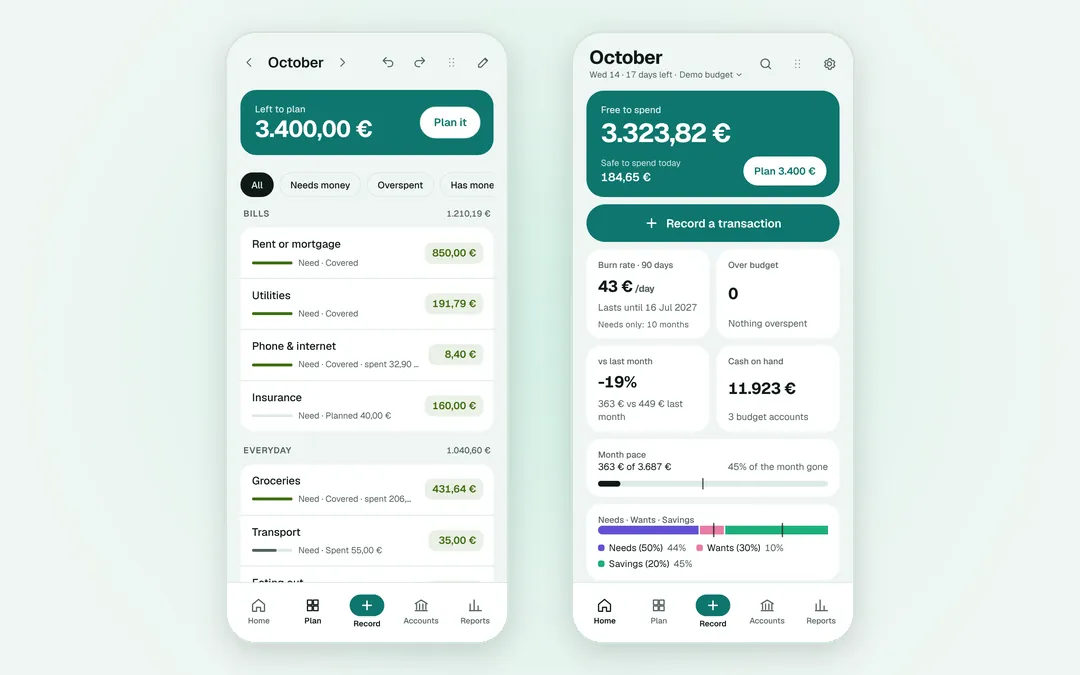
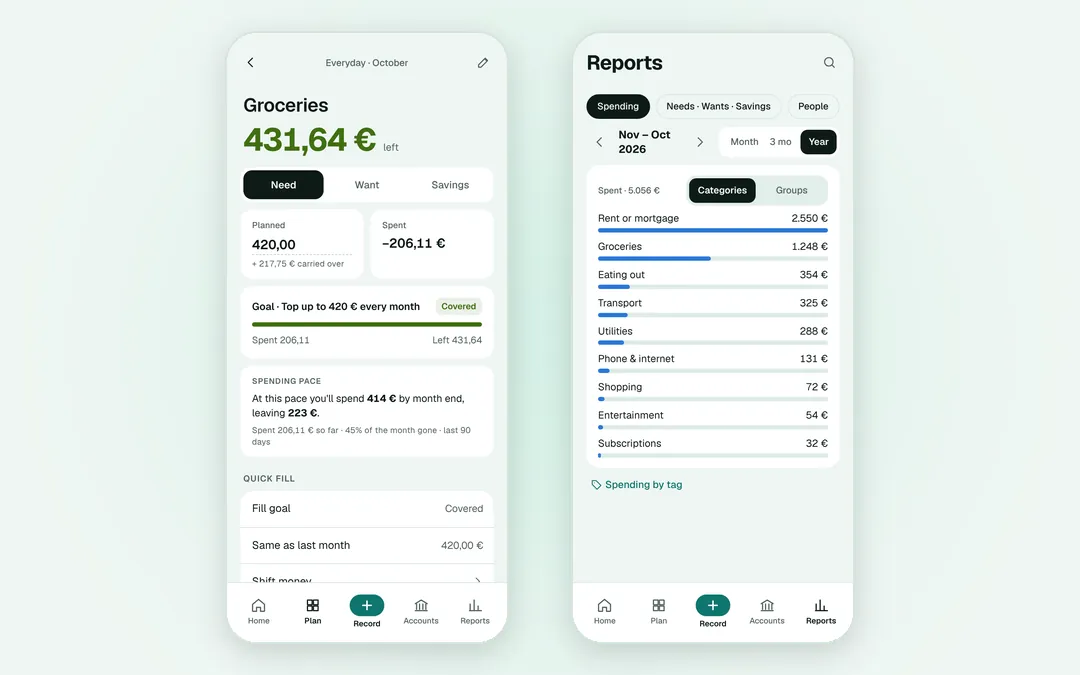
Each month opens with Left to plan, the income not yet spread across your categories. Plan it, by hand or with Quick fill, which tops up every goal or copies last month, then spend against what is left in each category and shift money between them when the month turns out differently. The budget lives on the device and works offline, with no account.
- Imports bank CSV, PDF statements, OFX/QFX, QIF and CAMT.053 files, and whole budgets from YNAB or Actual Budget
- Optional sync through your own Google Drive, encrypted end to end with a passphrase, so Google never sees the budget
- Reports on where the money went, and a freelance mode that sets tax aside, keeps the invoices and plans what you pay yourself
A migraine log for the middle of an attack, and the pattern across the monthsmigraine
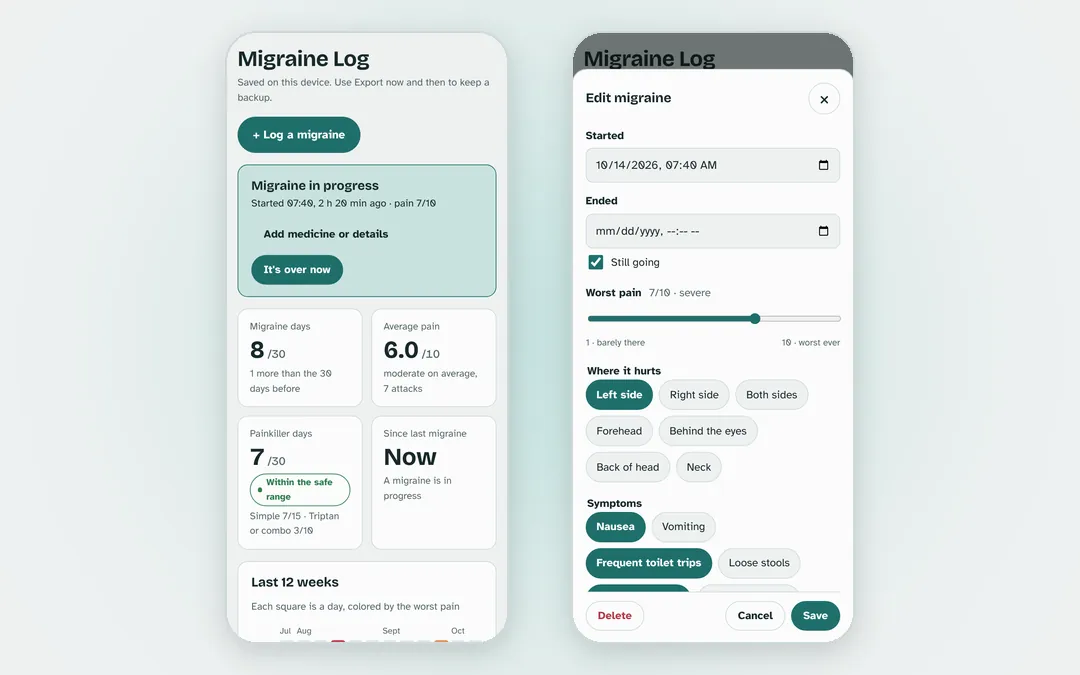
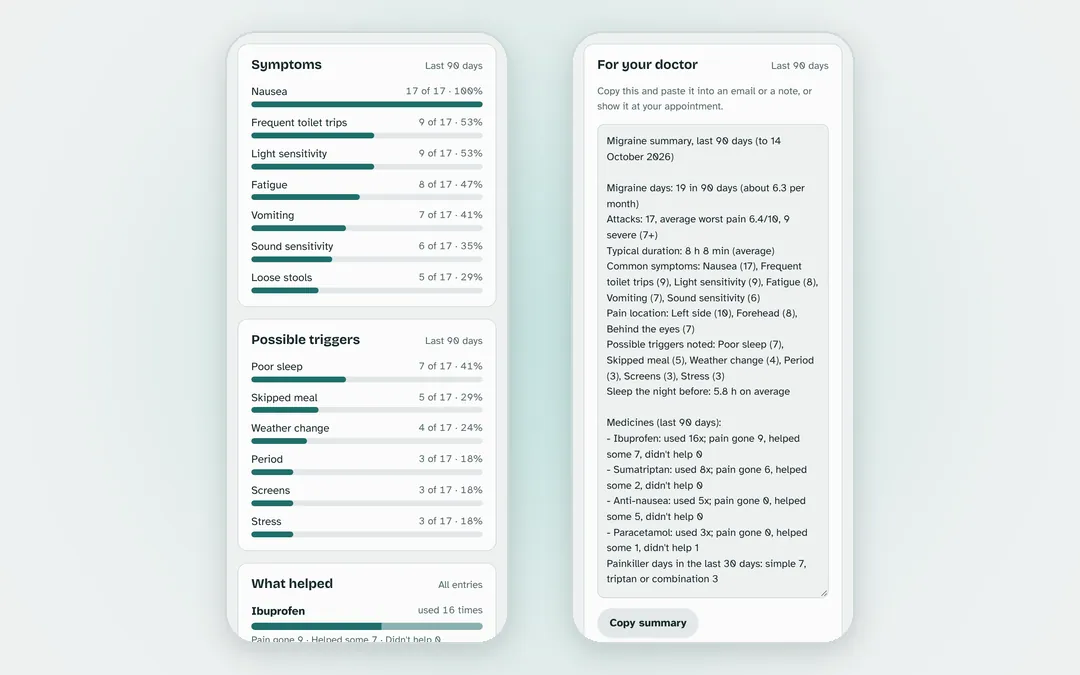
Log an attack in a few taps as it starts: the worst pain, where it hurts, the symptoms down to nausea and trips to the toilet, the possible triggers, and each medicine with the time it was taken. Add doses as they happen and close the attack when it lifts. Over the weeks it counts migraine days against the month before, colours a twelve-week calendar by pain, and ranks the symptoms, the triggers and the medicines that helped.
- Painkiller days counted against the usual limits for rebound headache, with a warning before either is reached
- For your doctor: the last ninety days as a summary to paste into an email or show at the appointment
- No account; the log stays in the browser, with an export file to back it up or move it to another device
GitHub's pull request list as a review dashboard, with a batch mergePR Deck
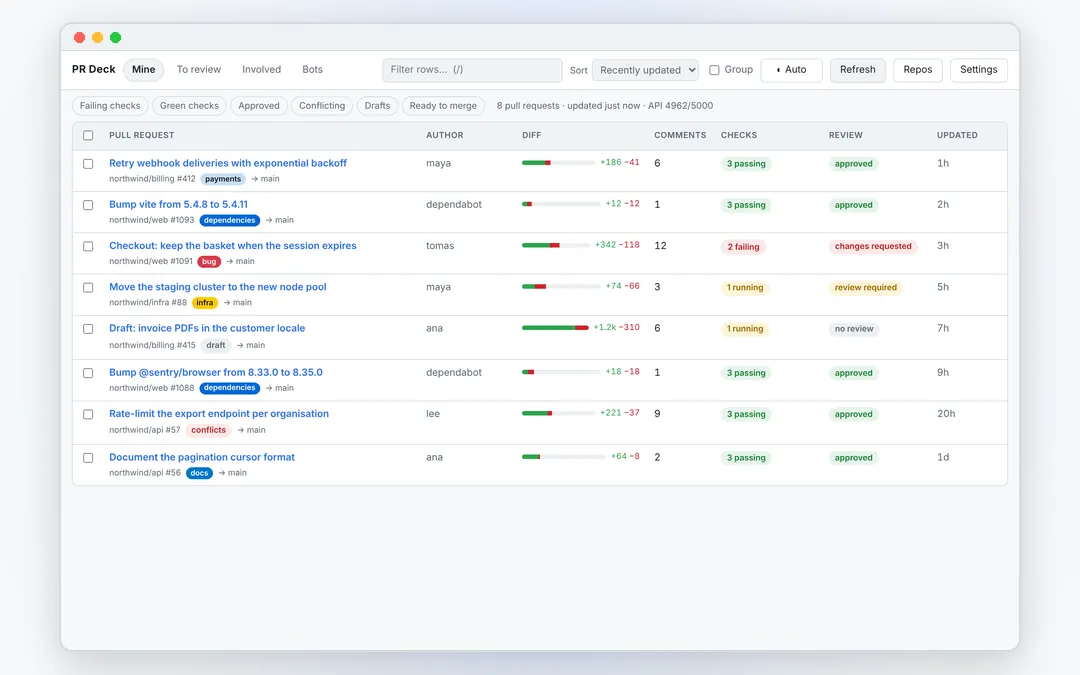
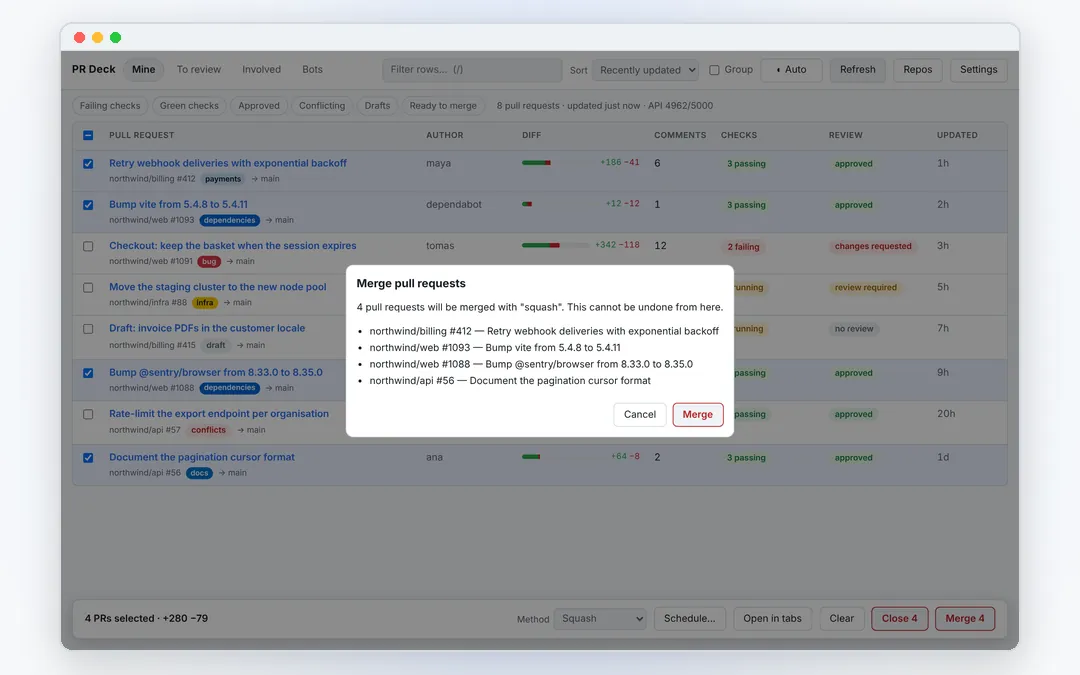
One row per pull request with what GitHub's own list leaves out: the size of the diff, how much discussion it has, whether CI is green and where the review stands. Tick the approved ones and merge them in one pass. Sign-in is GitHub's device flow, so nobody pastes a token, and everything a row shows comes from one GraphQL search per page.
- Tabs for yours, review requested, involved and bot pull requests, quick filters for failing, green, conflicting and ready to merge
- A batch merge that lists every target first, runs one at a time, and pins each to the commit its row showed
- A repository view of which projects are broken and what is piling up in them
More on PR Deck → Not in the Chrome Web Store or on addons.mozilla.org yet
The rest of the lab
The hosted products, the desk tools and the free tools for the work itself are on the products page.
See the products